
Orthopedic Shoe Manufacturing
A scan-to-delivery platform for custom orthopedic footwear that connects prescriber, workshop, last bureau and factory, and turns every fitting into a better last.
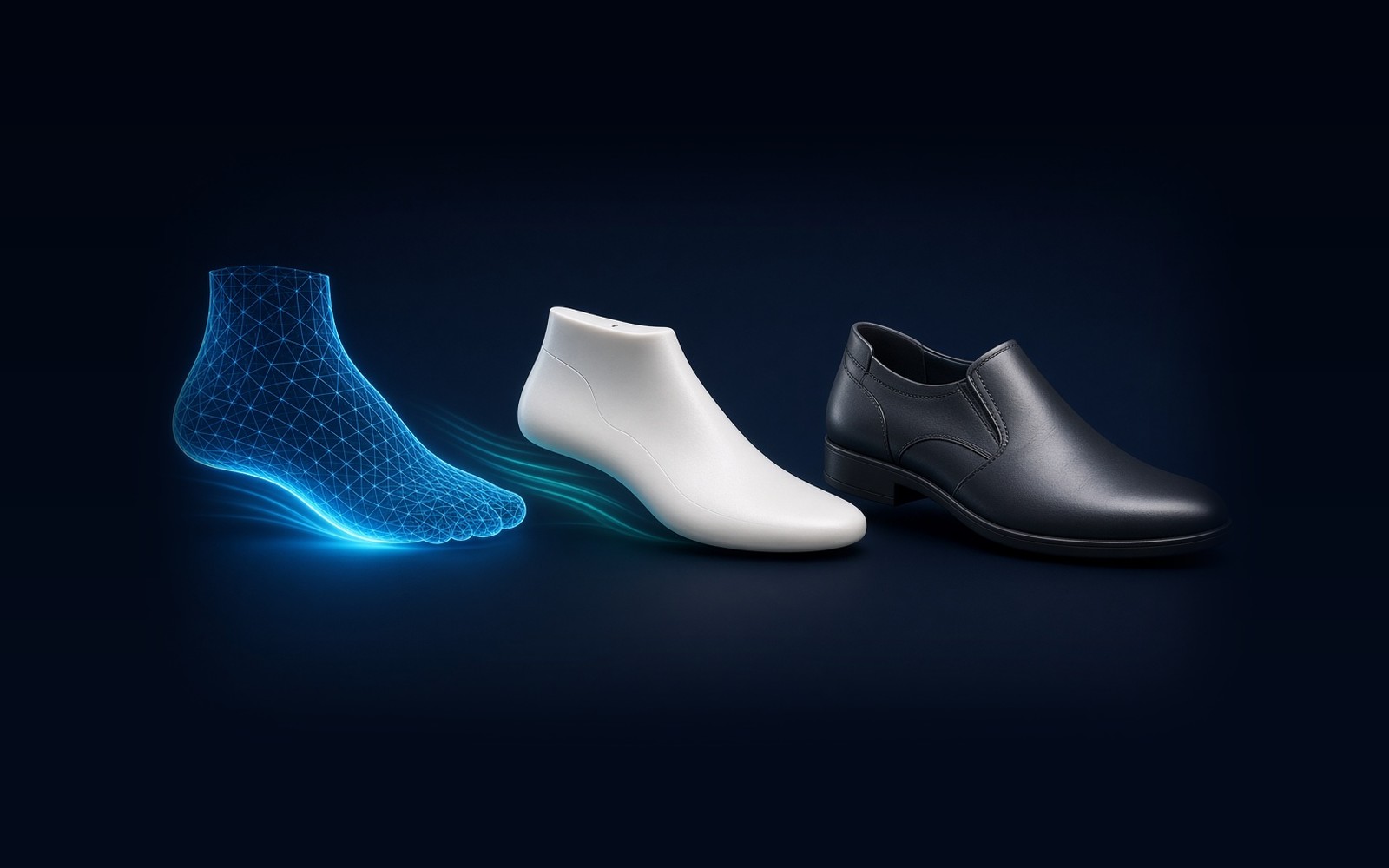
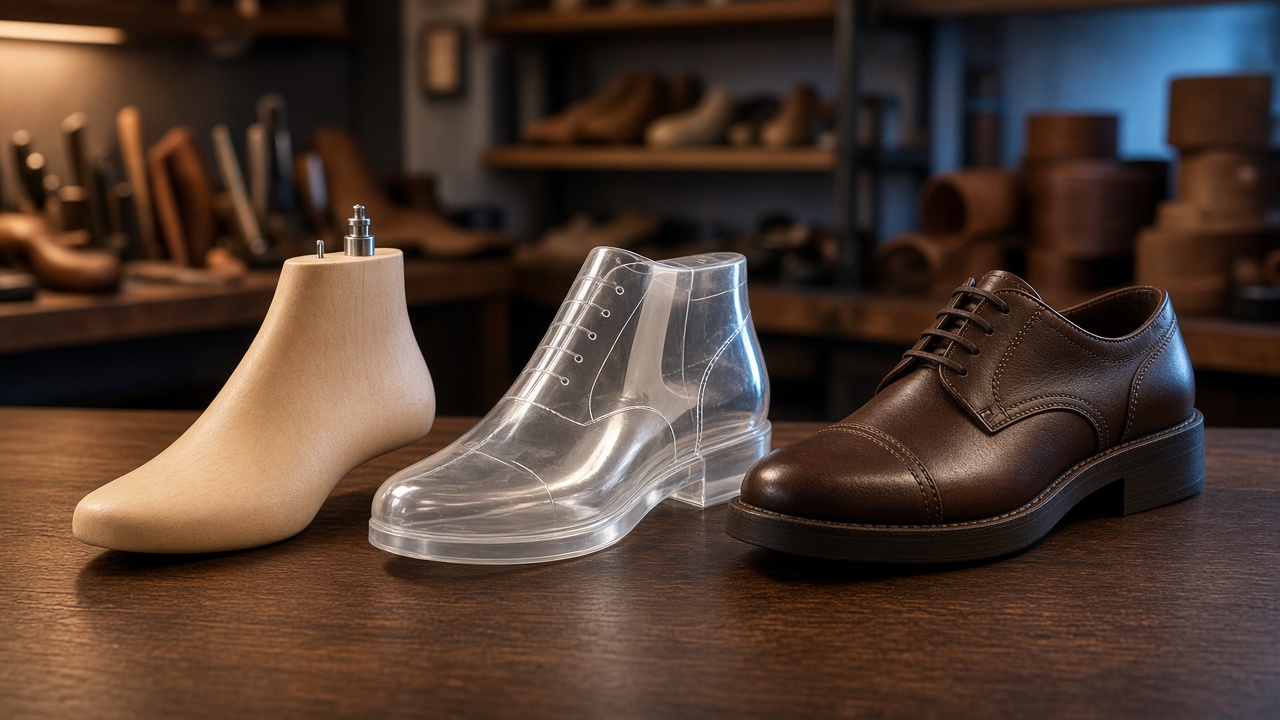
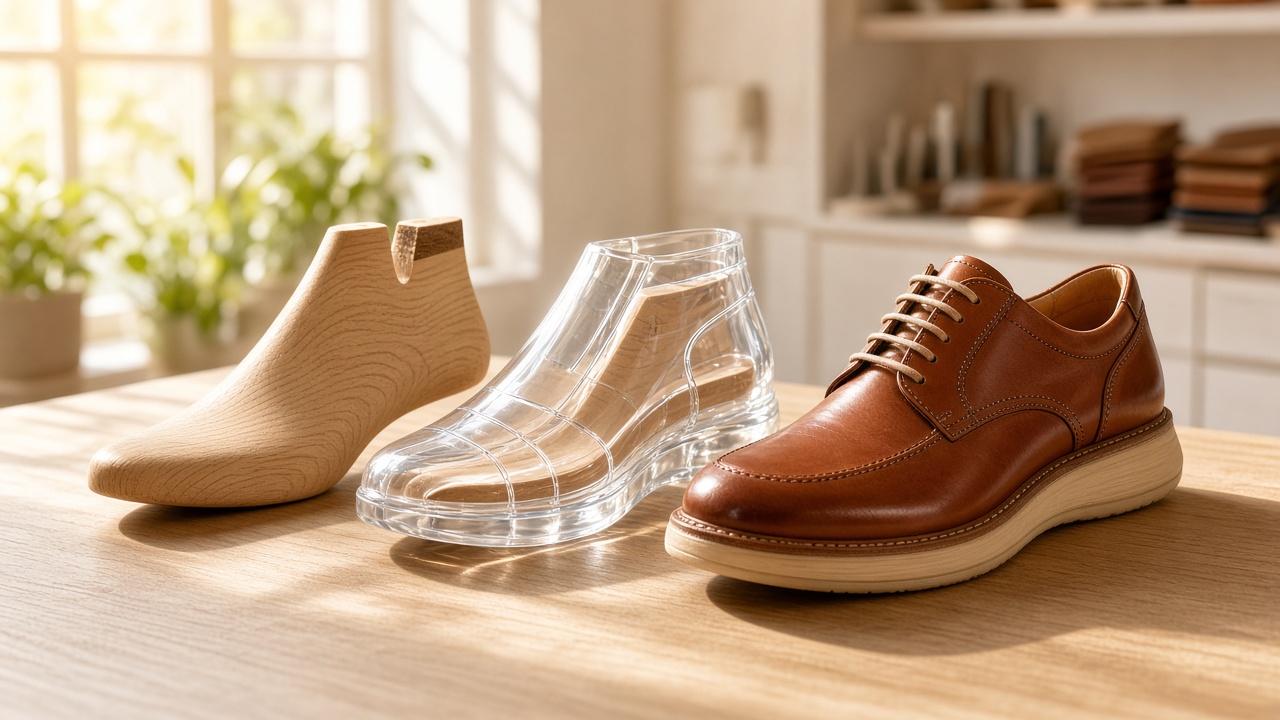
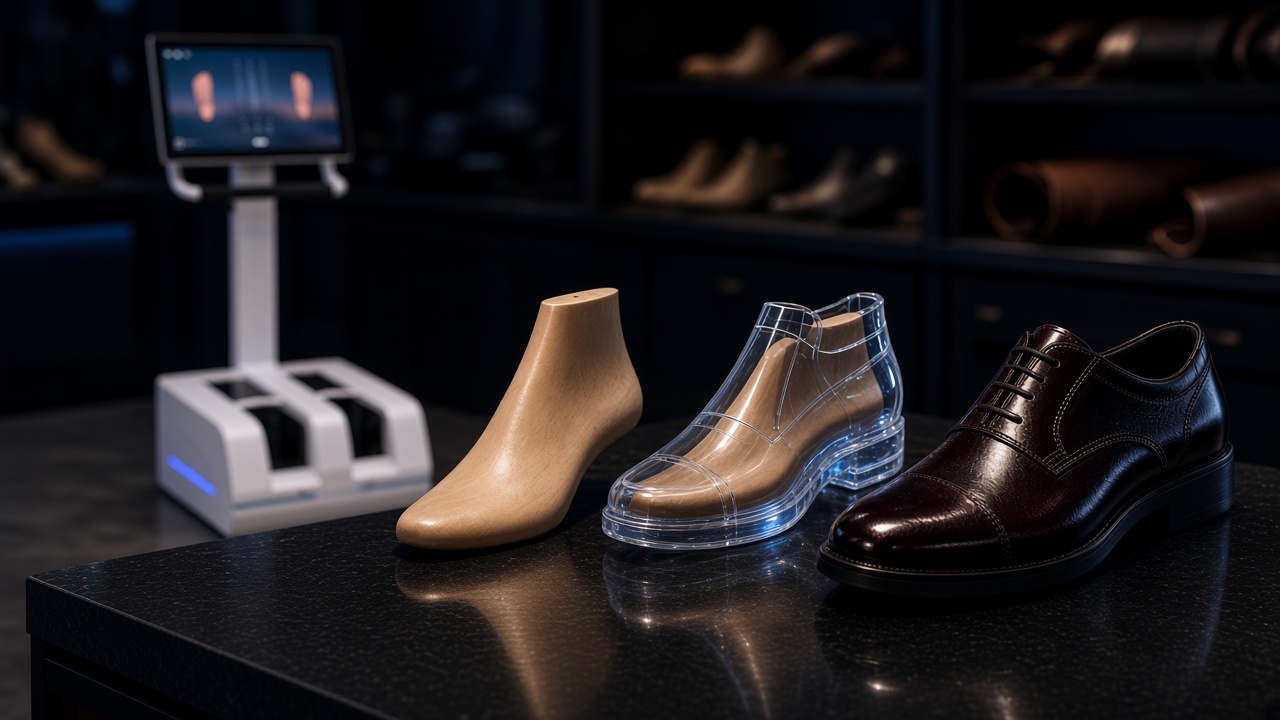
01 / 10
The challenge
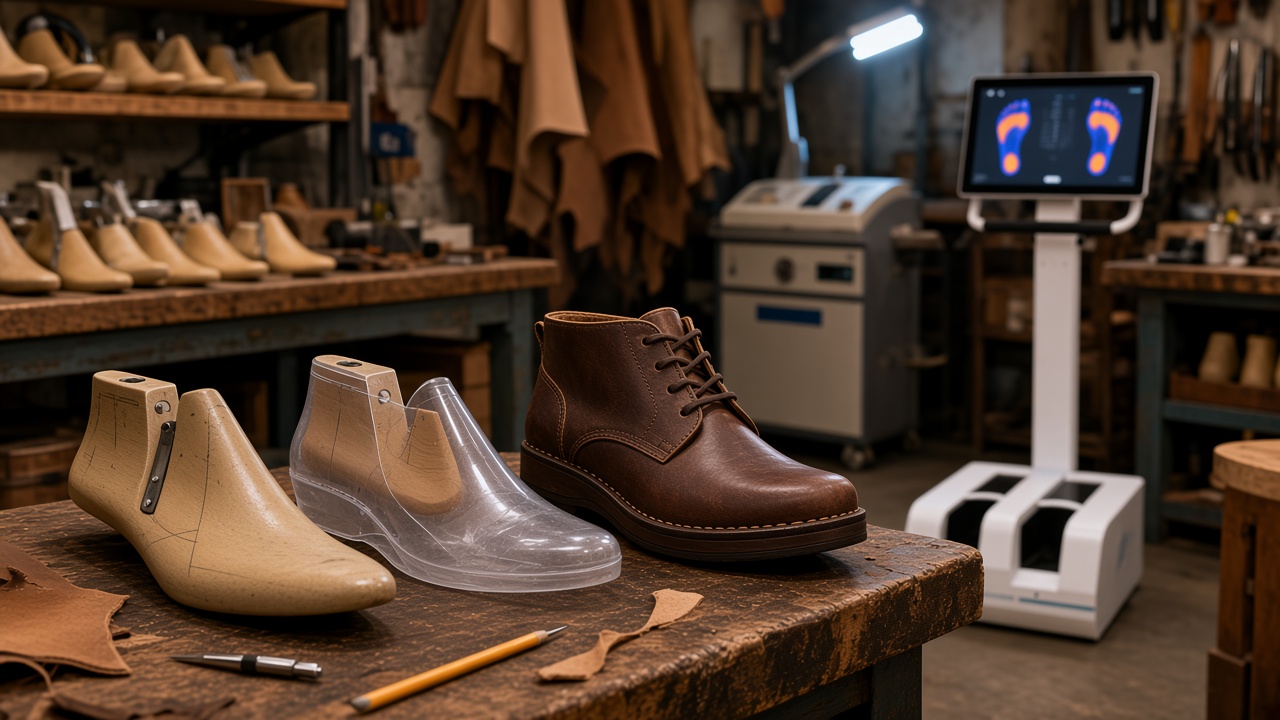
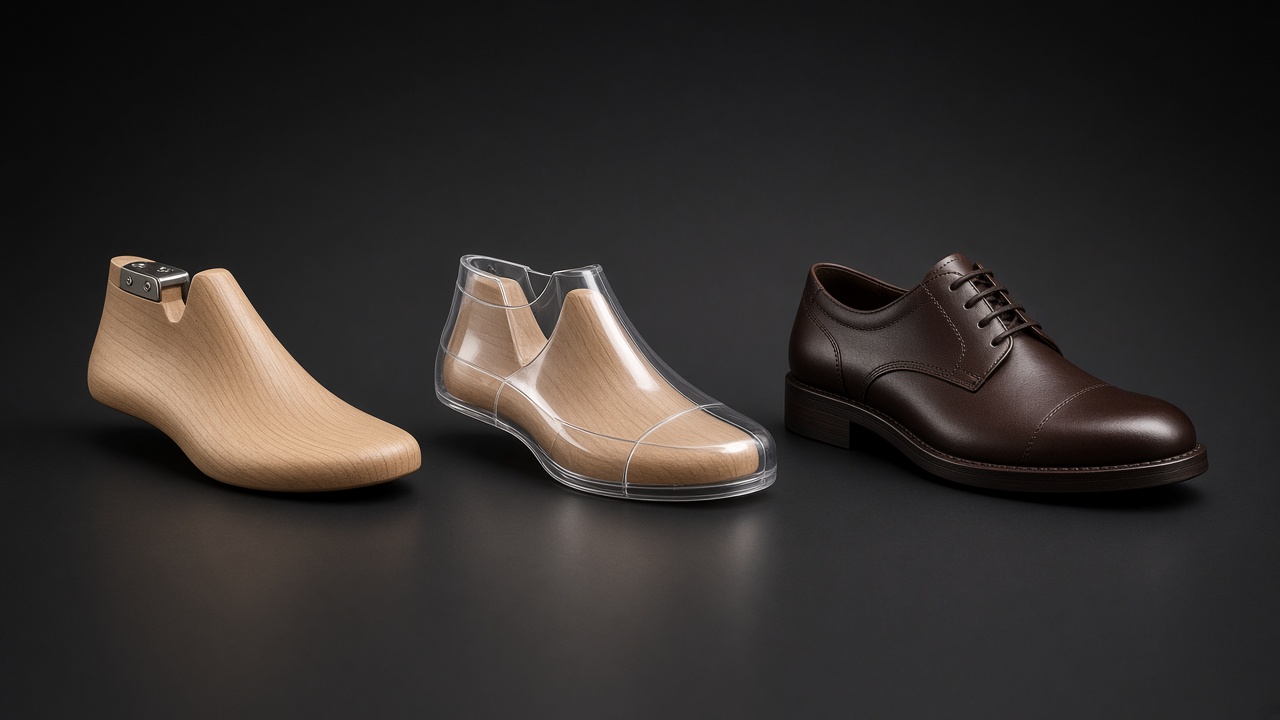
Every custom orthopedic shoe is built over a patient-specific last. Making that last is the most expensive, skill-heavy step in the craft. Around it sits a long chain of prescription, insurer approval, scan, last, test shoe, fitting, correction, upper, sole and delivery. Workshops, last bureaus and factories still run that chain on email, chat, USB sticks and paper fitting notes. Files get lost, the wrong last version gets milled, and every remake starts from zero.
Where time and money leak
Six problems orthopedic workshops described to us. We did not invent statistics for any of them; each one is something a workshop owner can check in their own shop.
- 01
Files lost across email and chat
Scans, last files and footbed data move by email, WhatsApp and USB, with no single place that holds the current version.
- 02
Wrong last version produced
Without version control it is easy to mill or print an older last, which wastes material, machine time and a fitting appointment.
- 03
Fitting feedback stays on paper
Pressure points, gaps and patient comments are written on paper or kept in photos, then turned into last edits from memory.
- 04
Messy factory hand-offs
Last bureaus and upper or sole factories receive incomplete or mixed-up files and have to chase the workshop for the right ones.
- 05
Compliance paperwork left to the end
Every custom-made shoe needs a patient-specific record, which is often rebuilt by hand after the shoe is already delivered.
- 06
Remakes start from zero
Growth, weight change and insurer replacement cycles trigger new pairs, but the previous last and its history are hard to find.
What we actually build
From first scan to the finished shoe
We do not replace the mill, the printer or the master shoemaker. We build the software that carries the case through scan, last, fitting, correction and factory release — so every step is visible and the next person gets the right file.
 1
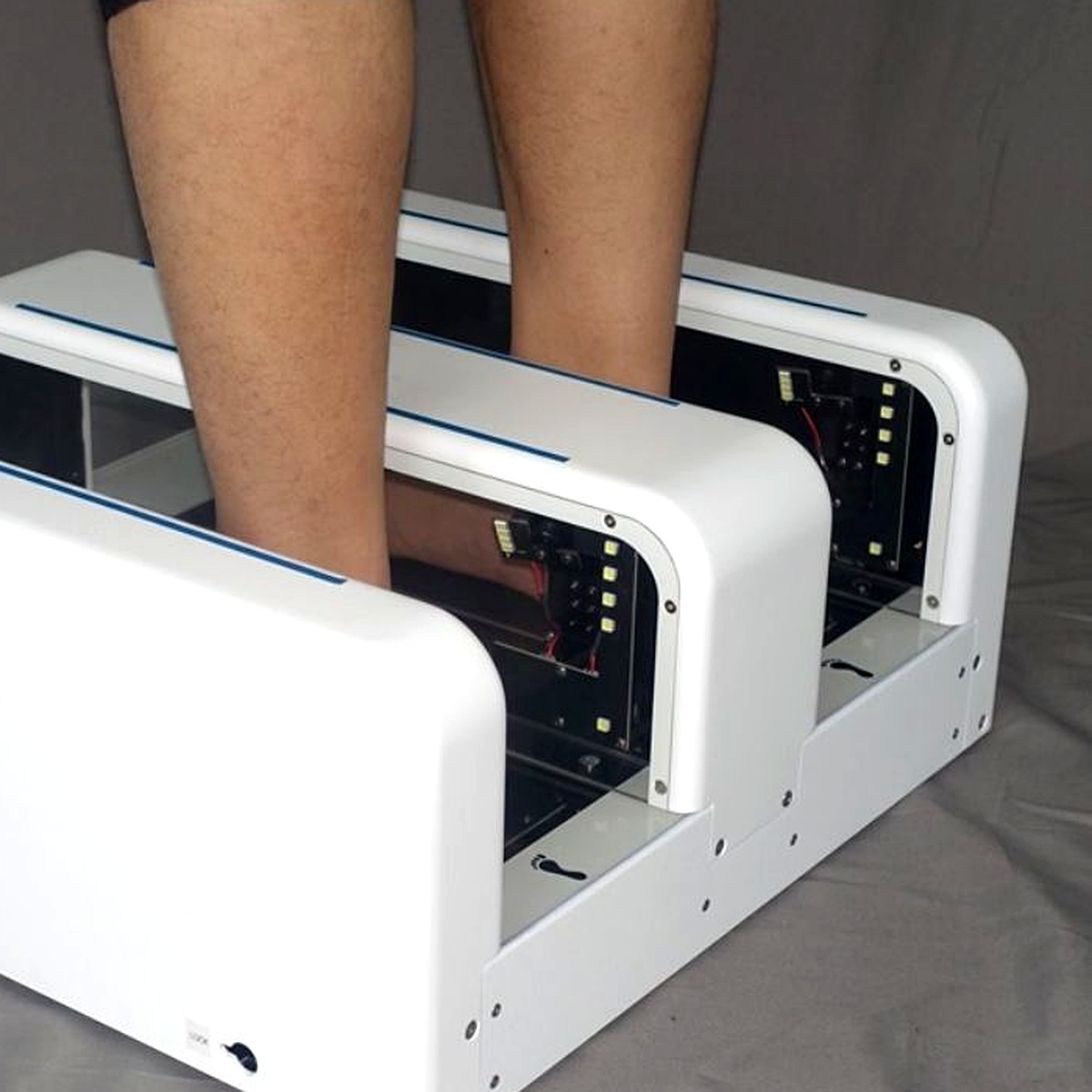
1Scan into the case
3D files, measurements and the report land on one patient — not in email.
 2
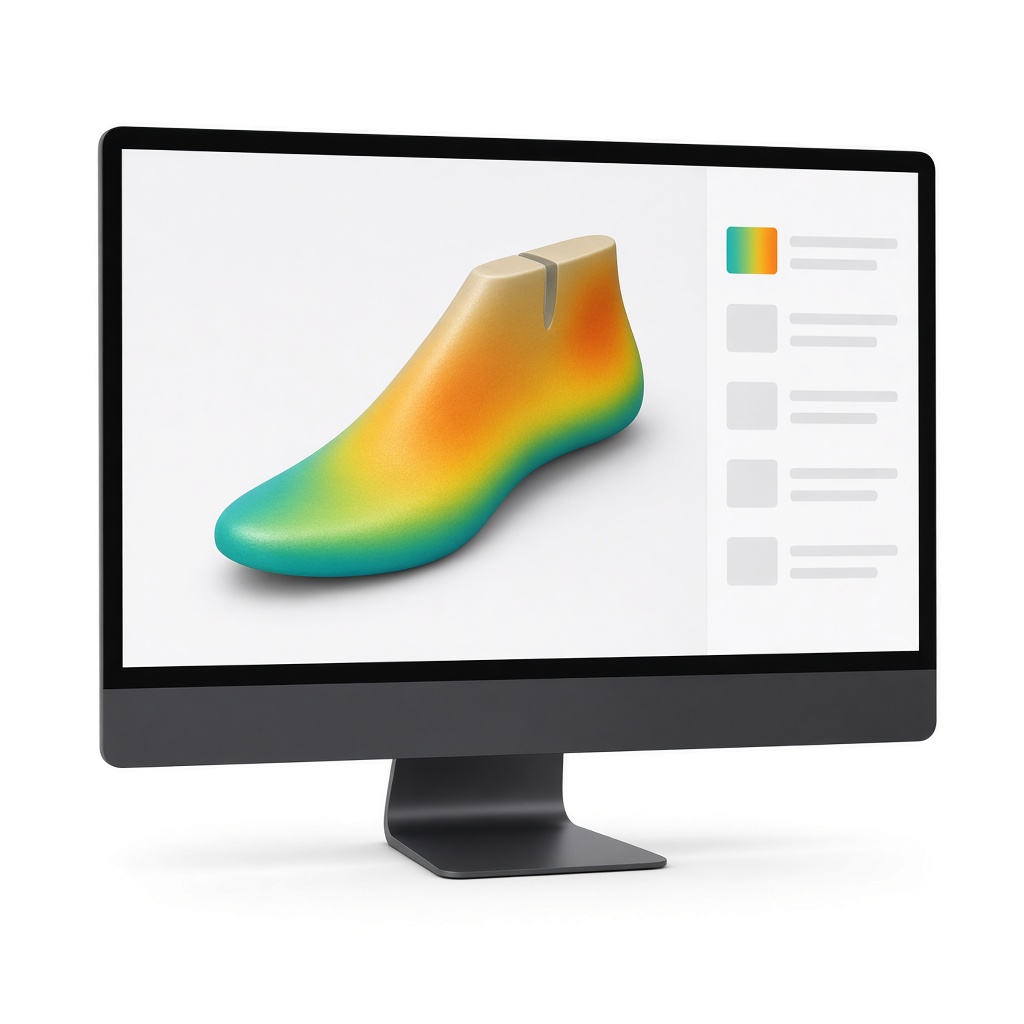
2Version the last
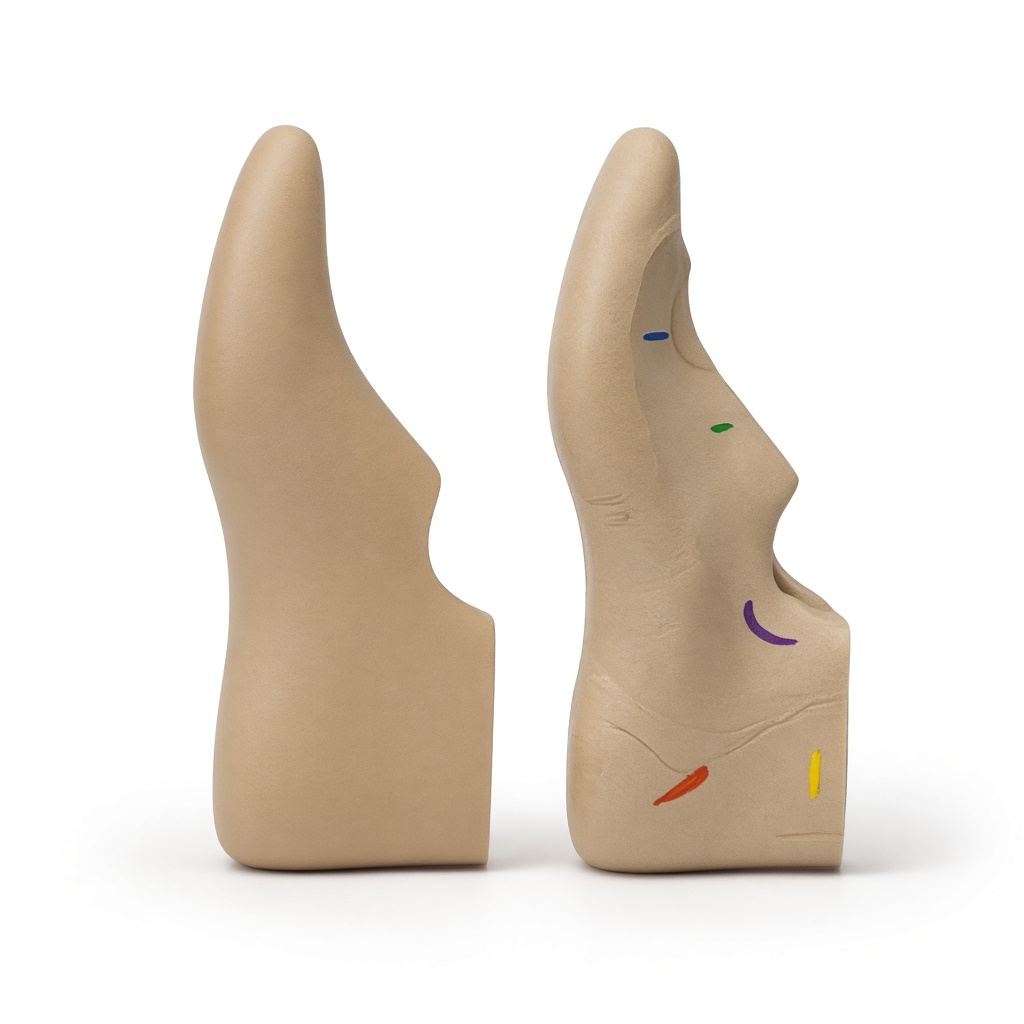
Net to gross last, with who changed what and a heatmap of the difference.
 3
3Fit on a map
Pressure, gaps and pain marked on the foot, saved to that exact test shoe.
 4
4Correct with a record
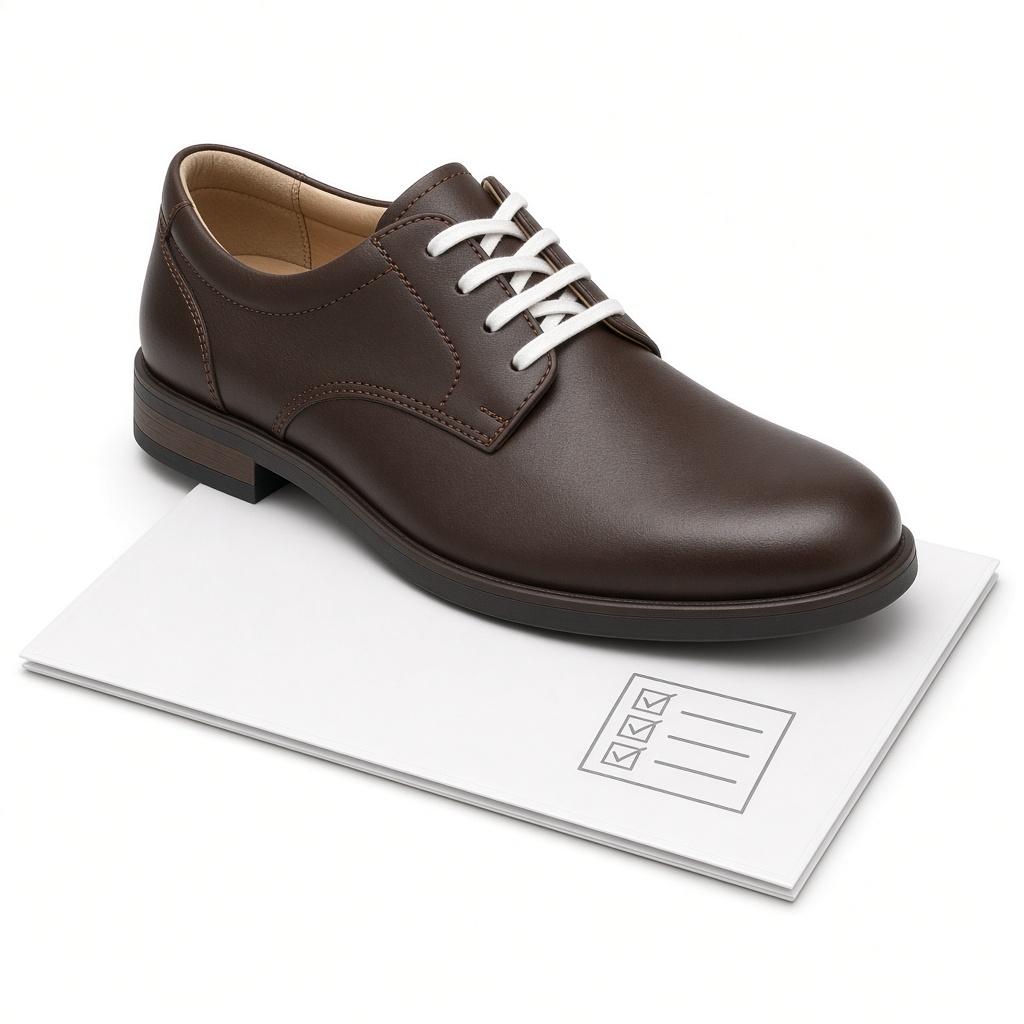
Each last revision points back to the fitting that caused it.
 5
5Release the shoe
One frozen package to the factory, then the finished pair with a trail you can show.
We understand your world
The real custom-shoe workflow
This is how an orthopedic workshop actually makes a custom shoe. The highlighted steps are the fitting loop, where the test shoe is checked and the last corrected, sometimes more than once.
- 01
Prescription
- 02
Cost estimate & approval
- 03
Foot scan + measurements
- 04
Net last
- 05
Gross last (footbed)
- 06
Last production
- 07
Test shoe
- 08
Fitting
- 09
Last correction
- 10
Upper design
- 11
Sole & footbed
- 12
Production
- 13
Delivery
- 14
Follow-up & renewal
Fitting loop: test shoe, fitting and last correction repeat until the fit is accepted.
Connected scanner data
From the scanner to the mobile app and ERP
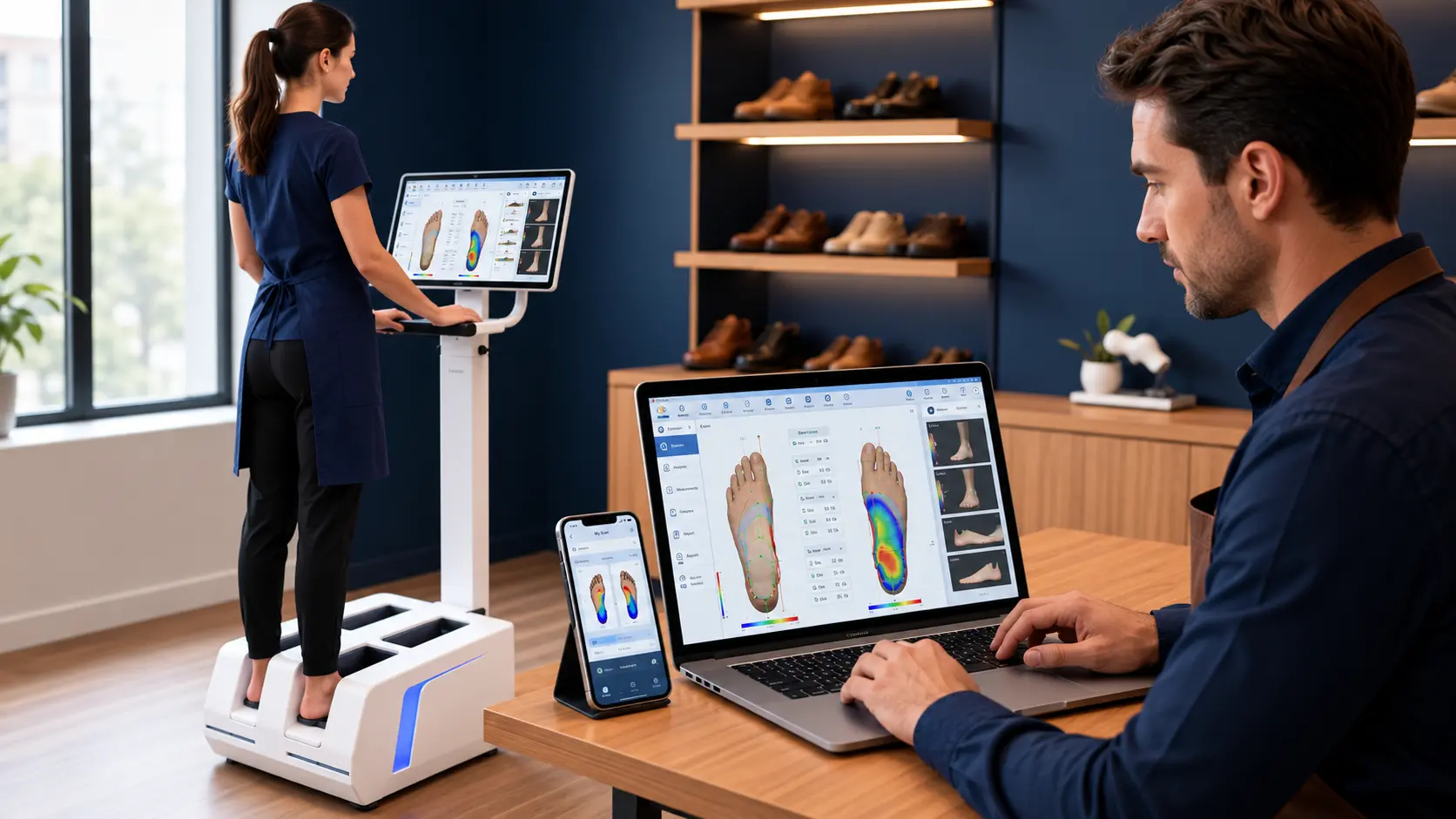
Everything the foot scanner produces (the 3D files, the PDF report and every measurement) lands in one case record. From there the customer sees it in their mobile app, the team sees it in the ERP, and anyone with access can place an order in a few taps.
Everyone can view the scan and order from the same data.
1. From the scanner
3D foot files
STL, OBJ, PLY, left and right foot
PDF scan report
The scanner’s own report, attached as is
All measurements
Length, width, ball and instep girth, arch height, heel width
Pressure map
Foot pressure and posture data, when the scanner provides it
2. One case record
- Attached to the right patient automatically
- Scan quality checked before anyone uses it
- Versioned, never overwritten
- Shared by role, not by email
3. Customer mobile app
- See their 3D foot, report and measurements
- Choose a shoe and place the order
- Track fittings, production and delivery
3. ERP and workshop dashboard
- Orders, cases and production status
- Last, upper and sole jobs for partners
- Stock, invoicing and insurer billing
Inside the platform
Built step by step around the craft
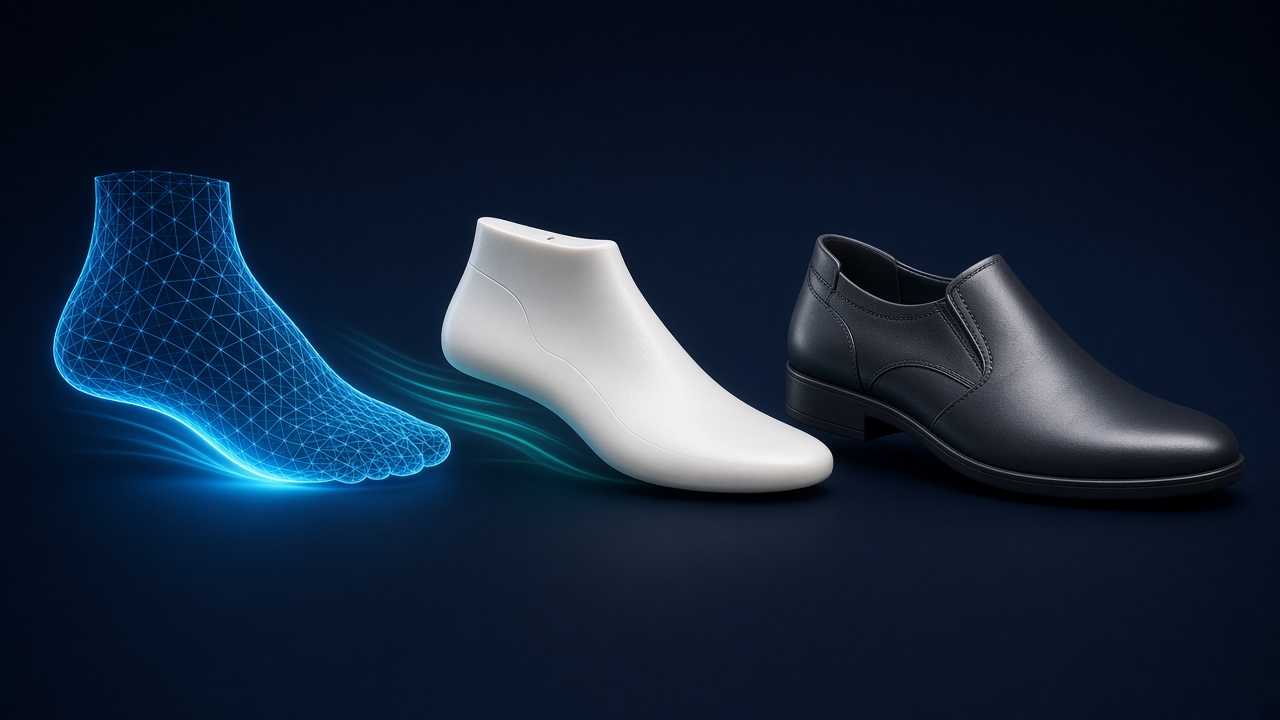
From first scan to final delivery, one connected workflow
A foot scan becomes a patient-specific last, then a test shoe, then the finished custom shoe. Every step is recorded on one case, so nobody has to ask which file is the right one.
- Follows the real workshop process
- Works with your existing scanners and CAD tools
- One case record for every party
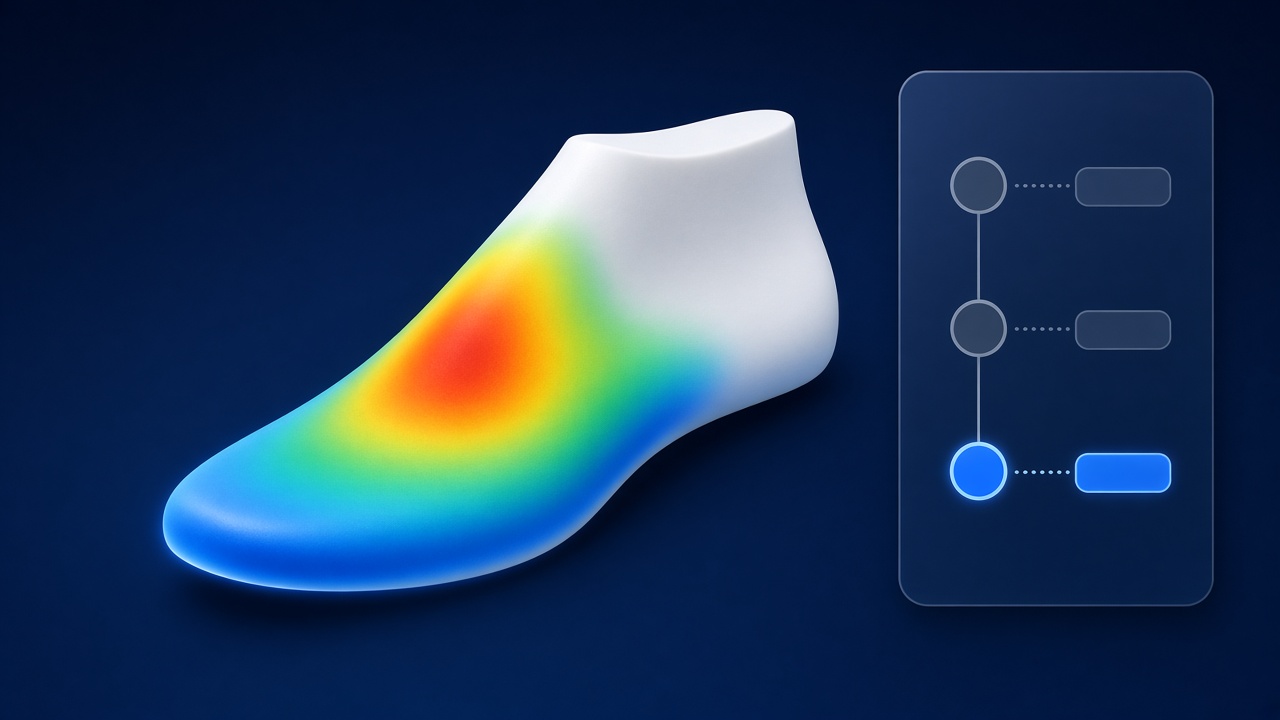
Last design with version control
Scans are checked automatically before anyone spends time on them. The last then moves from net to gross with a full version tree, and a colour heatmap shows exactly where each version changed.
- Scale, holes, left/right and file-health checks
- Who changed what, when, and why
- Deviation heatmap between any two versions
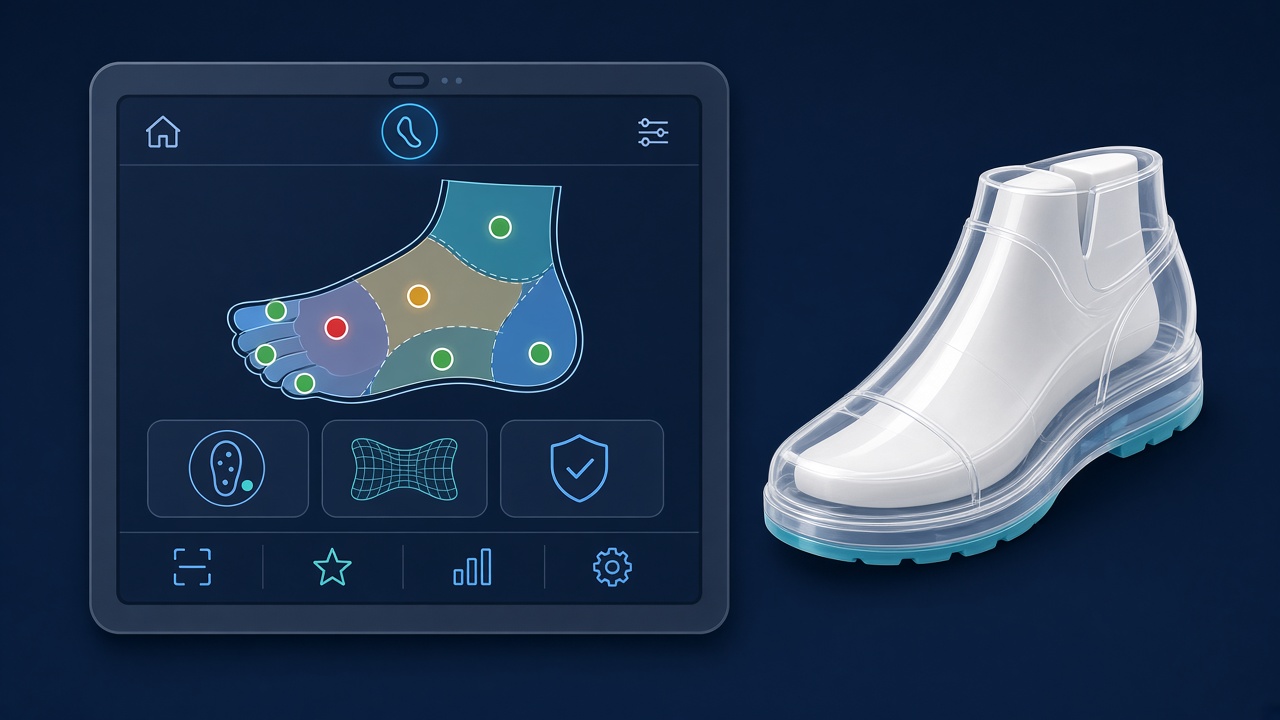
Test shoe and structured fitting feedback
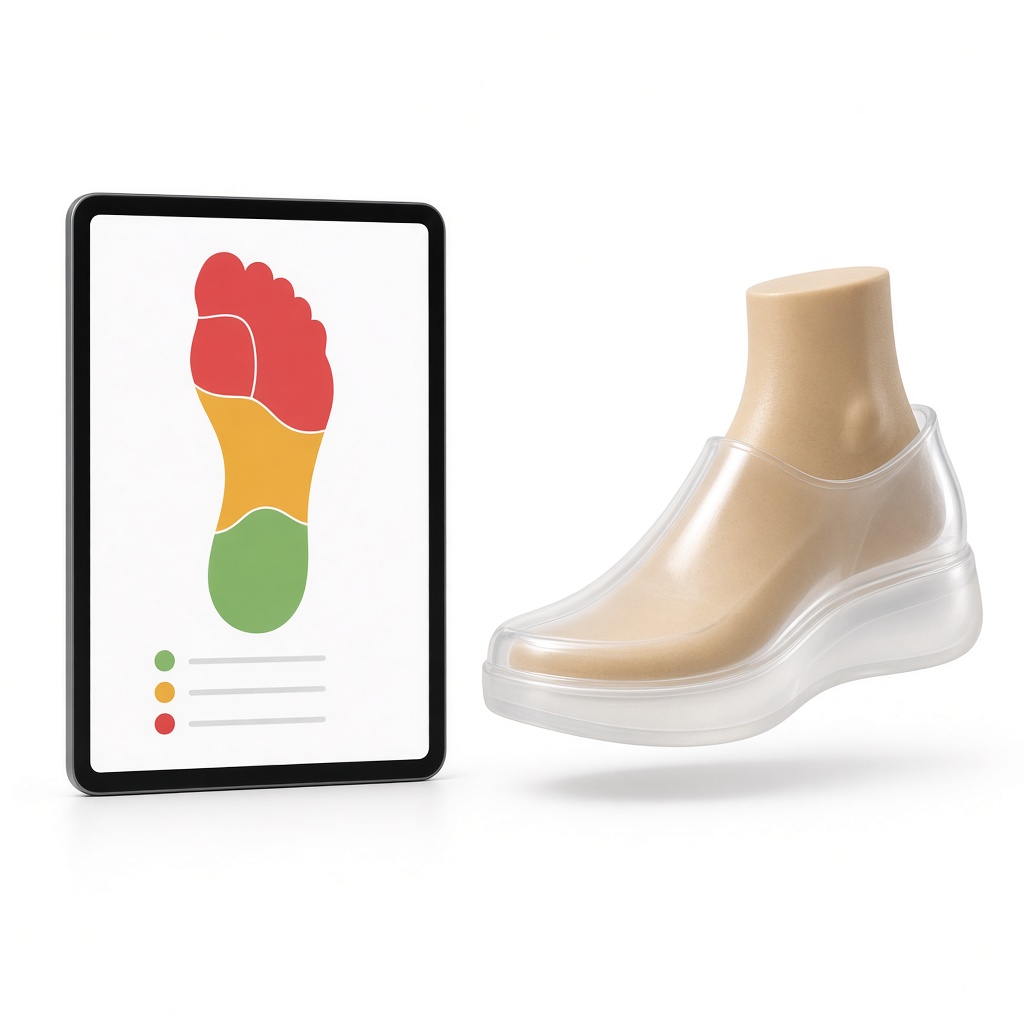
During the fitting, the technician taps a foot zone map to mark pressure, gaps or pain, adds severity and photos, and the feedback is saved against the exact test shoe and last version.
- Toe box, ball, instep, arch, heel, ankle zones
- Green = good fit, amber = revise, red = problem
- No more paper notes turned into edits from memory
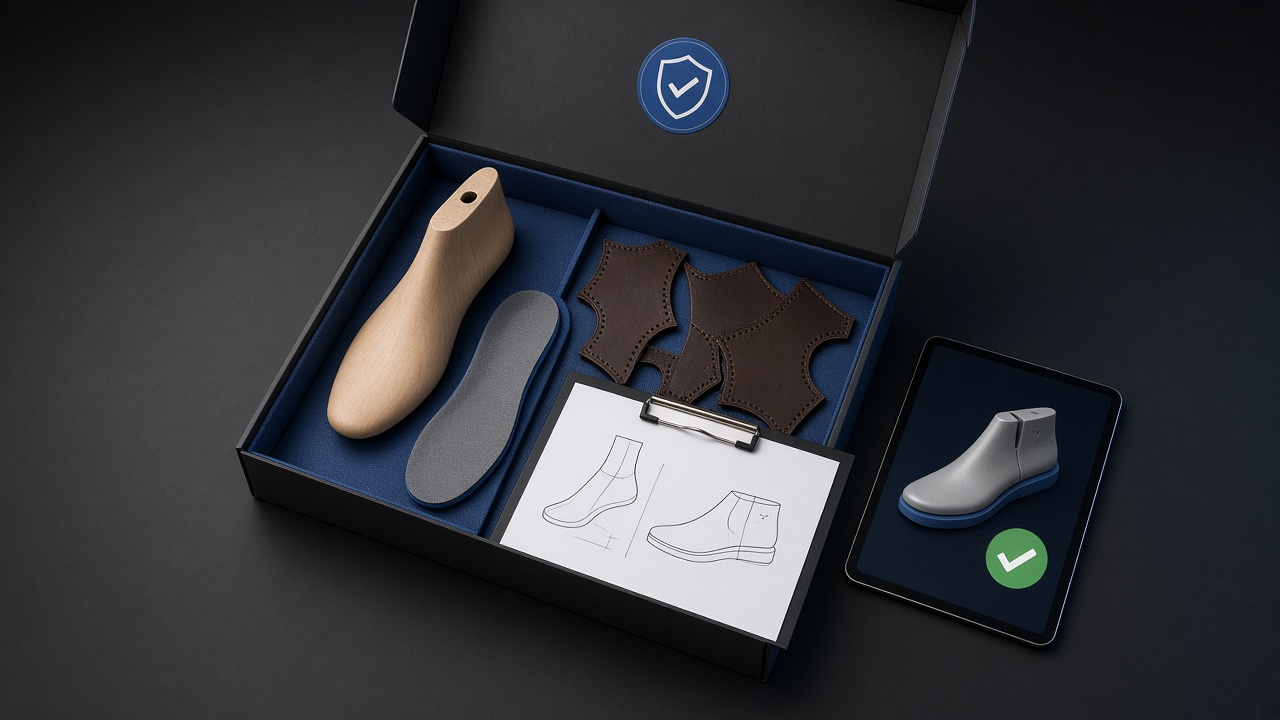
Clean production hand-off
When the design is approved, production release freezes the last, footbed, upper pattern and specs into one checksummed package. The last bureau and factory build exactly what was approved.
- One frozen bundle per shoe
- Checksums prove nothing changed
- Factory sees only what it needs
The correction loop, closed
Every revision points back to the feedback that caused it
Fitting findings are no longer lost between appointments. Each last version knows which feedback it answers, so the next fitting starts where the last one ended.
- 01
Feedback
Zone map on the test shoe
- 02
Decision
Accept, revise or remake
- 03
Last revision
New version, linked to feedback
- 04Back to feedback
New test shoe
Built on the new last
- Fit approved
Accept
Ready for upper design
Multi-party collaboration
One case, four roles
Prescriber, workshop, last bureau and factory work on the same case. Each sees only what they need, and sharing between organisations is explicit.
Admin
- Users and permissions
- Workflow templates
- Audit view and data export
Shoemaker / Technician
- Create cases and upload scans
- Record fittings and approve revisions
- Release to production
Doctor / Prescriber
- Attach the prescription
- Follow case progress and 3D views
- Comment at checkpoints
Last bureau / Factory
- Receive the frozen package
- Update production status
- Upload the produced-last QC scan
Traceability and compliance support
A full audit trail from scan to delivery supports your custom-made device documentation, including a statement per patient and long-term record retention. The platform supports your documentation; the manufacturer remains responsible for conformity.
Our Solution
We designed and built a scan-to-delivery platform for custom orthopedic footwear over 8 months. It follows the real workshop process from prescription to renewal and connects prescriber, workshop, last bureau and factory around one case record. Everything the foot scanner produces (3D files, PDF report and measurements) flows into a customer mobile app and the ERP, so everyone sees the same data and can place orders easily. It is a process system, not a CAD tool: it works with the scanners and design software workshops already use, and it never replaces the master shoemaker’s judgment.
Key Features
Scanner integration
3D files (STL, OBJ, PLY), the scanner’s PDF report and every measurement are pulled into the case automatically, with quality checks for scale, holes, left/right and file health.
Customer mobile app
Customers see their 3D foot, scan report and measurements, choose a shoe, place the order and follow fittings and delivery from their phone.
ERP and ordering
Orders, production status, partner jobs, stock, invoicing and insurer billing in one ERP. Patients, clinics, workshops and stores can all order from the same scan data.
Last design with version control
Net last to gross last with a full version tree. Every change records who made it and why, with a colour heatmap showing exactly where the last changed.
Structured fitting feedback
Tap a foot zone map (toe box, ball, instep, arch, heel, ankle) to mark pressure, gaps or pain, with severity and photos, all linked to the exact test shoe and last version.
Closed correction loop
Feedback leads to a decision, then a last revision, then a new test shoe. Every revision points back to the feedback that caused it.
Frozen production package
Production release locks the last, footbed, upper and sole specs into one checksummed bundle, so the factory always builds the approved design.
Roles for every party
Admin, shoemaker, prescriber and last bureau or factory each see only what they need. Sharing between organisations is explicit and scoped.
Full audit trail
Every upload, approval and status change is time-stamped from first scan to delivery, so the case history writes itself.
Custom-made device documentation
Supports your patient-specific statement and long-term record retention for custom-made shoes. The manufacturer stays responsible for conformity.
Remakes and renewals
Start a new pair from the stored last and its history plus a new scan, with reminders for insurer replacement cycles.
Key Achievements
- Built over 8 months around the real orthopedic workflow, from prescription and insurer approval to renewal
- Scanner data (3D files, PDF report, measurements) shown in the customer mobile app and the ERP
- Easy ordering for patients, clinics, workshops and retail stores from the same scan
- Test shoes and fitting sessions managed as real objects, not loose notes
- Scanner-agnostic intake with automatic scan quality checks before expensive production
- Last version tree with visual deviation heatmaps between versions
- One frozen production package per shoe, so the factory always builds the approved design
- Role-based access for workshop, prescriber, last bureau and factory on one shared case
- Audit trail that supports custom-made device documentation as a by-product of daily work
“The software does not replace the master shoemaker’s judgment. It makes expert craftspeople faster and gives them a record they can rely on, from the first scan to the last fitting.”